Product data and sample approval
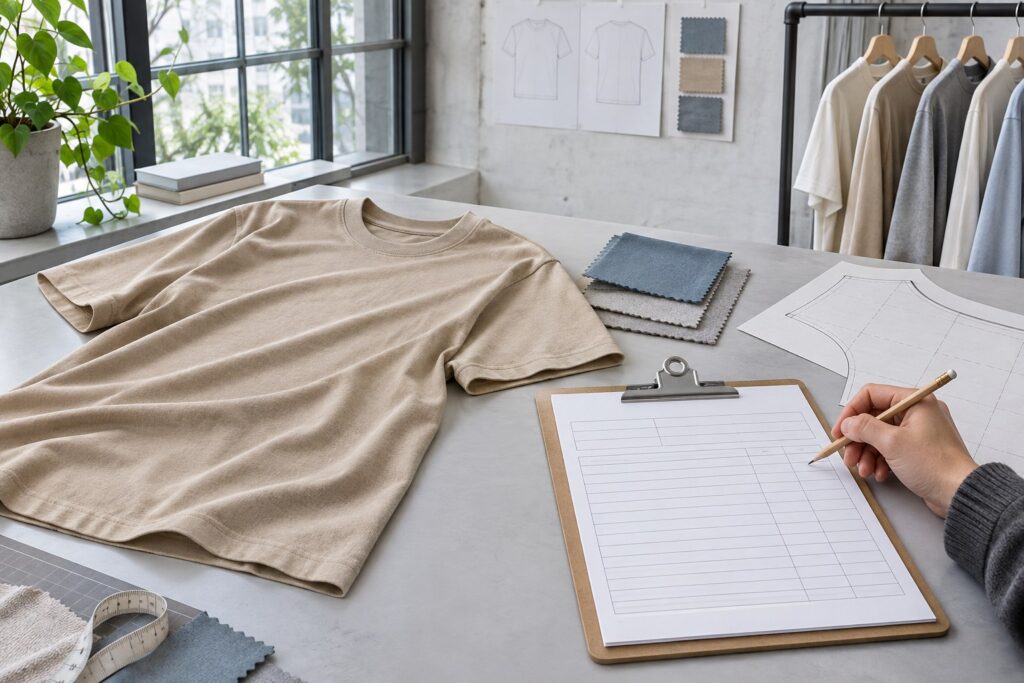
AI-generated editorial illustration. The blank form is a conceptual working document, not an official production record.
An apparel production specification sheet brings the selected product and its approved decoration into one record. It connects the garment reference, material, artwork, placement, branding, care and sample decision, so those details can be reviewed together.
The template below is a working aid for discussing a product with a production partner. Complete it from current product documentation and explicit project approvals. It is not an official Print Logistic form or an industry certification standard.
Identify the exact garment before describing the design
Record the manufacturer, style or SKU, variant, colour and sizes. A broad description such as “organic cotton T-shirt” does not identify a specific product. Keep the catalog reference and the date checked alongside the chosen item.
For example, Print Logistic’s Stanley/Stella Creator listing, checked on 26 November 2026, describes organic ring-spun combed cotton, 180 GSM, DTG and sizes XS-2XL. These are fields from that listing, not a confirmation of stock, a production quote or an approval for a substitute garment.
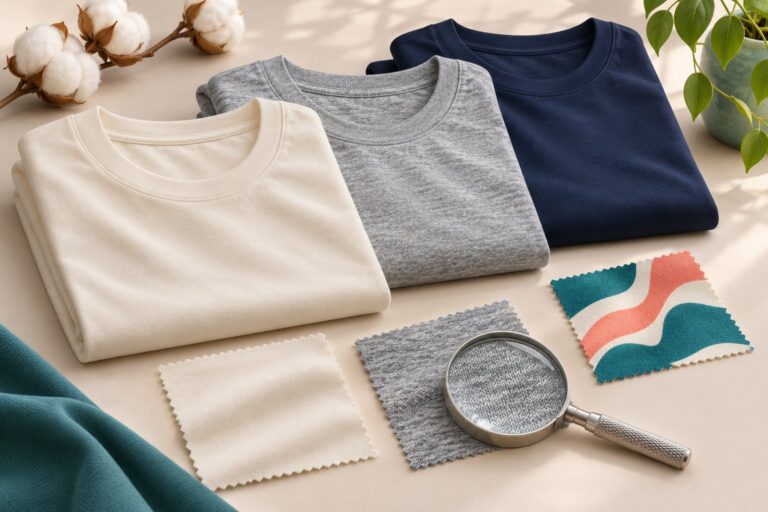
Use the blank selection guide for the garment decision and the GSM guide when comparing fabric weight. Keep those decisions attached to the exact product reference.
Separate source facts from project approvals
A catalog can establish the properties published for a product. It does not, by itself, establish your artwork placement, a custom label or an agreed delivery service. Give each field a source and mark whether it is published product data, a proposed project choice or an approved decision.
That distinction matters when a specification is shared between people. An empty field should remain open for confirmation. A proposed dimension should not become an approved production instruction just because it was copied into a new document.
Copy this working specification record
| Field | Entry and evidence to record |
|---|---|
| Record identity | Enter the project, product record ID, revision date and responsible contact. |
| Garment and variants | Enter the manufacturer, style/SKU, colour and sizes; attach the dated listing or technical sheet. |
| Material and construction | Copy the composition, fabric weight and relevant construction information from the exact product specification. |
| Measurements | Attach the size chart and its measuring method; record any supplier-agreed tolerances. |
| Decoration | Record the confirmed process and each decoration location. |
| Artwork | Enter the approved filename/version, file reference, physical dimensions and requested profile or format. |
| Placement | Attach the approved product template or measured reference, with orientation and units. |
| Branding and packing | Record the approved label, insert and packaging references, or mark these as not included. |
| Care and evidence | Attach the finished-product care instructions and any relevant test records, identifying their scope. |
| Sample and decision | Enter the physical sample ID, photographs, approval date, approver and unresolved changes. |
| Order-data mapping | Record the store SKU, production code and artwork mapping if an integration will use them. |
The table deliberately leaves the product values open. It provides a place to record evidence rather than suggesting that one composition, print area or tolerance applies to every garment.
Connect artwork to physical placement
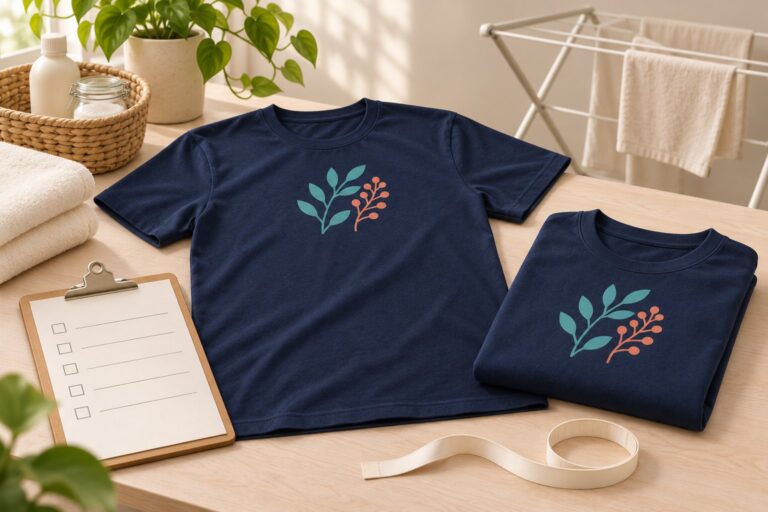
Keep the source file and the approved visible print dimensions together. Identify the wearer’s side where relevant, the measuring references and any separate artwork sizes used across the range. The T-shirt placement guide explains these fields.
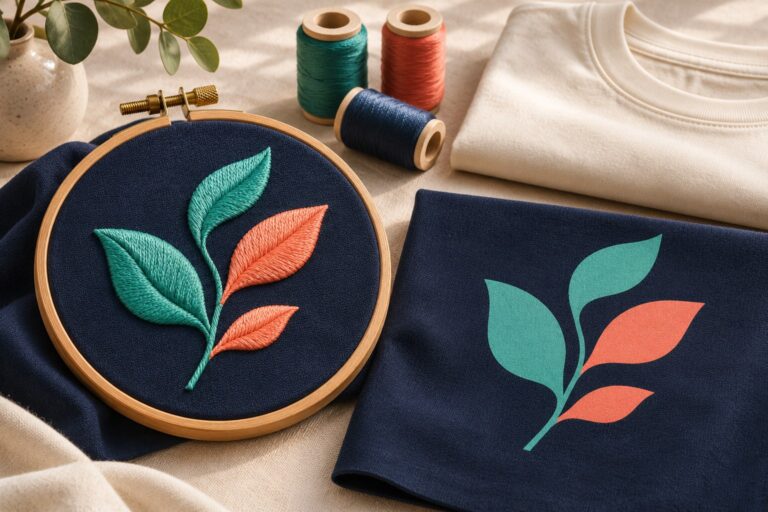
If embroidery is selected, record the prepared design reference as well as the original image. Digitization introduces production settings beyond the source graphic; use the embroidery digitization guide to prepare that part of the handoff.
A thumbnail should not be the only version identifier. Keep the exact approved file reference and revision date so that a replacement image or a new export can be reviewed deliberately.
Record branding and care at the finished-product level
Identify which label, insert and packing choices have actually been confirmed for the project. Link their artwork and sample references rather than writing only “white label”. Our white-label guide explains the different decisions involved.
Care instructions also need to match the decorated product. Epson’s printed T-shirt guidance is an example of an equipment manufacturer providing care advice for printed items, including avoiding direct ironing on the image. Obtain the applicable finished-product instructions from the production partner.
Where a care or performance claim depends on testing, retain the relevant conditions and results. Use our wash-testing guide to document observations. A completed specification field does not itself prove a numerical durability claim.
Keep the physical product and order mapping aligned
In an integrated store, the order data needs to identify the approved product and artwork. Order Desk documents storing product codes and artwork URLs with inventory items so that the details can be added to incoming orders.
The specification can retain those mappings alongside the sample identity. Compare a test order with the approved garment, variant and artwork reference before expanding the workflow. Our European order-routing guide covers the integration side of that check.
Update the record when the product changes
Use a new revision when the blank, artwork, decoration location, care instruction or confirmed production route changes. Record what changed and which evidence was reviewed. Keep previous references available so that a reorder can be traced to its applicable version.
For the release decision, use the sample approval checklist. The specification says what the proposed or approved product is; the approval record captures the decision and its supporting observations.
Frequently asked questions
Does this sheet replace a manufacturer’s technical specification?
No. It references that specification and connects it to the project’s decoration and approval records. Keep the original supporting documentation.
Can one sheet cover several sizes?
It can identify a size range, provided size-specific measurements and any decoration changes are recorded clearly. A sample of one size does not document every other size automatically.
What should I do with information that is still unconfirmed?
Mark it as open, identify who will confirm it and keep the product out of final approval until the essential details are resolved.
Build a brief that can be reviewed. Choose a product from the catalog and discuss its specification, artwork and sampling requirements with Print Logistic.
Product example checked 26 November 2026. The sheet is a proposed working record. The cited Print Logistic listing, Epson guidance and Order Desk documentation establish their respective published data or workflows, not a universal product standard.